

How to set up DNAT redirection mode for the WAF 2.0 module: #
Step-by-step guide:
- Open the Configuration menu on your BitNinja dashboard.
- Select the setting level on the left side. (server-level, server group-level, account-level)
- Select the WAF 2.0 module on the left side
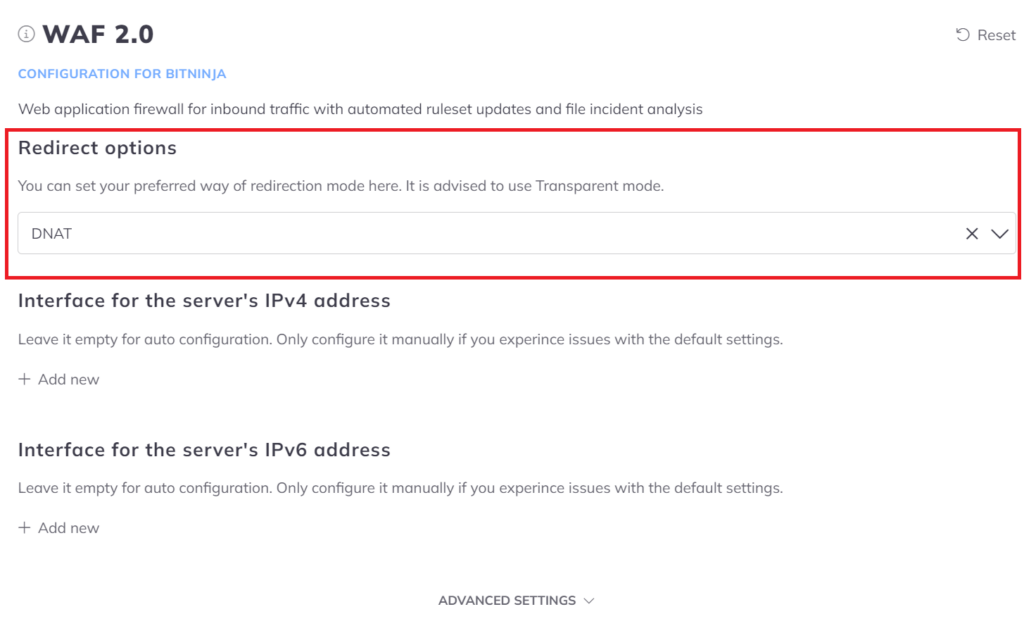
- Change the "Redirect options" parameter to "DNAT"
- Click on the Save button at the top of the screen.
- Restart BitNinja with
service bitninja restartcommand.
Now proceed with setting up the X-Forwarded-For header.
WAF Pro (Caddy-based) #
Since Caddy webserver supports only DNAT redirection type, in case you would like to see the real requester IP addresses in your webserver logs you must set up the X-Forwarded-For header.
To assist you better please select your control panel below.
If you use any sort of CDN or Proxy in front of the server. Or your users use CDN services then we will need to set up the X-Forwarded-For header to enable the BitNinja agent to see the real IP addresses of the visitors.