

We added a PCI compliance mode to BitNinja.
PCI (Payment Card Industry) scanning usually refers to quarterly external vulnerability scans that must be performed by a PCI approved vendor. BitNinja might block these screenings as they are similar to malicious scans.
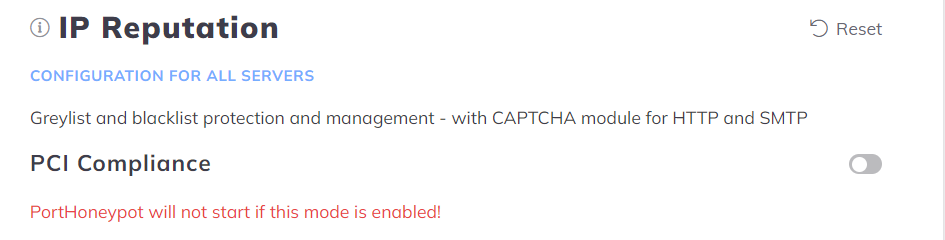
You just need to enable the PCI compliance mode in the IP filter module’s config.
- Open the Configuration menu on your BitNinja dashboard.
- Select the setting level on the left side. (server-level, server group-level, account-level)
- Click on the Advanced Modules menu and select the IP Reputation module
- Enable the PCI Compliance mode with the switch icon next to it
- Click on the Apply button at the top of the page