

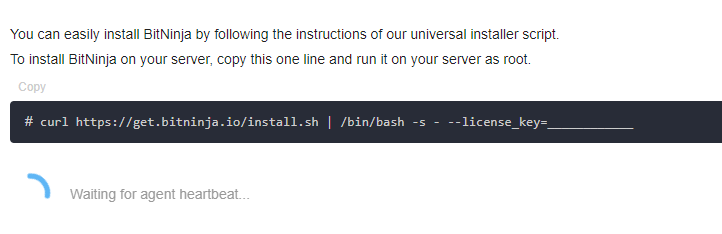
After you executed the one-line installation command and you still see “Waiting for agent heartbeat..“ under the installation command.
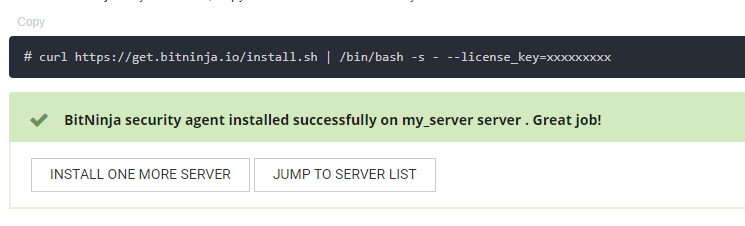
If you installed BitNinja on the server but you are still on the same page please check the box under the installation command. If you see this then the installation was successful. Please click on the servers menu at the top left or click on the JUMP TO SEVER LIST button. The new server should appear there.
Is BitNinja running?#
First, we need to check whether BitNinja is running on the server, you can do that with the service bitninja status command.
BitNinja is running on the server, but the BitNinja agent is not detected#
Check if the ports below are open on your server/firewall
| Protocol | Port | BitNinja module(s) |
|---|---|---|
| TCP | 60412 | CaptchaHttp, CaptchaSmtp |
| TCP | 60413,60418* | CaptchaHttps |
| TCP | 25 | CaptchaSmtp |
| TCP | 60201 | CaptchaSmtp |
| TCP | 60210 | CaptchaFtp (active) |
| TCP | 60211-60250 | CaptchaFtp (passive) |
| TCP | 60300, 60414 | WAF HTTP |
| TCP | 60301 | WAF HTTPS |
| TCP | 60414, 60415 | SslTerminating |
| TCP | 60416 | TrustedProxy HTTP |
| TCP | 60417 | TrustedProxy HTTPS |
If these ports are closed please open the ports. The agent’s heartbeat should be detected within a few minutes.
BitNinja is not running on the server#
Use service bitninja start command and the BitNinja agent’s heartbeat should be registered in a few minutes
If the agent started but the agent’s heartbeat is still not detected please refer to the previous point.
“BitNinja is running on the server, but the BitNinja agent is not detected“