

Enabling the Transparent proxy mode in the WAF 2.0 module allows you to see the real IP addresses behind the WAF module instead of the server’s own IP address(es) without setting up the X-Forwarded-For header in your web server.
Instructions#
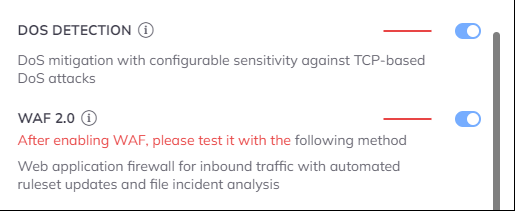
We need to set this up in the WAF 2.0 module's Settings.
- Open the Configuration menu on your BitNinja dashboard.
- Select the setting level on the left side. (server-level, server group-level, account-level)
- Select the WAF 2.0 module on the left side
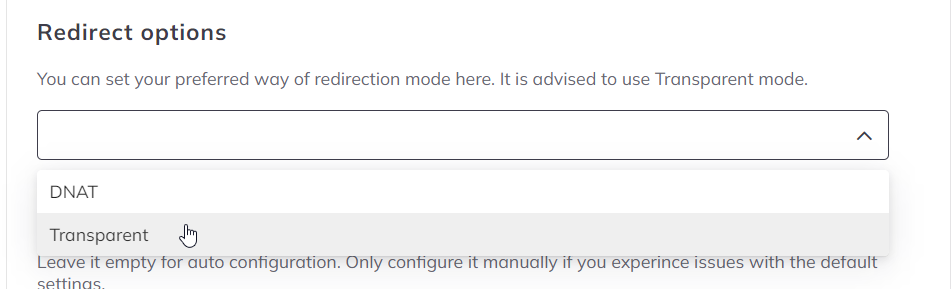
- Change the "Redirect options" parameter to "Transparent."
- Click on the Save button at the top of the screen
It didn't work for me.#
Don't give up!