

First of all, we are really happy to see that you choose BitNinja to protect your server. The installation process usually takes around 4-5 minutes.
Instructions#
You can install the BitNinja agent on your Linux server with the one-line installation command.
- Open the Dashboard
- Copy the installation command from the Dashboard
- You can see the installation code on the start page if you have no servers added yet to the account.
- If you already have servers added to the account, you need to click on the + Add new server button next to the server’s box
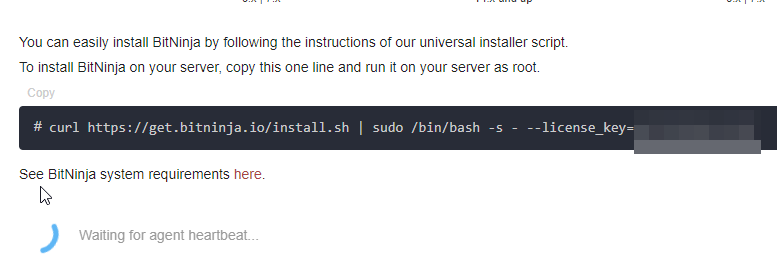
- Paste it into your server’s terminal and hit enter
- then press Y when you are prompted to confirm the installation
- After the compatibility check make sure to read the output. You will be prompted to confirm the installatation if there is some sort of incompatibility detected.