

Inotify user Watches#
The Inotify user watches are increased by BitNinja to 30000000. In case you need to increase the value even further, you can use theecho 35000000 > /proc/sys/fs/inotify/max_user_watches command.
How to configure the Malware Detection/Scanner module:#
- Open the Configuration menu on your BitNinja dashboard.
- Select the setting level on the left side. (server-level, server group-level, account-level)
- Select the Malware Detection module from the modules list.
Increase the file size limit for scanning#
- Click on Advanced Settings at the bottom
- Modify the "Maximum file size when scanning in bytes" parameter

- Click on the Save button at the top.
Include directories to scan (Malware Detection)#
- In the Malware Detection menu, find the "Monitored paths" parameter
- Click on "+ Add new" and add the path.
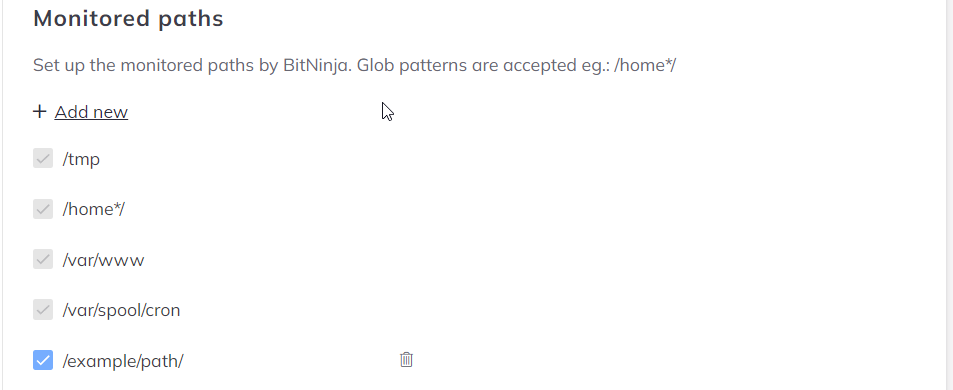
- Then click on the Save button at the top.
Exclude Directories, NOT to scan (Malware Detection)#
- Add the path with the "+ Add new" button under the "Directories" path
- Also, add the path under the "Inotify settings" with the "+ Add new" button to disable real-time malware detection.
- Then click on the Save button at the top.